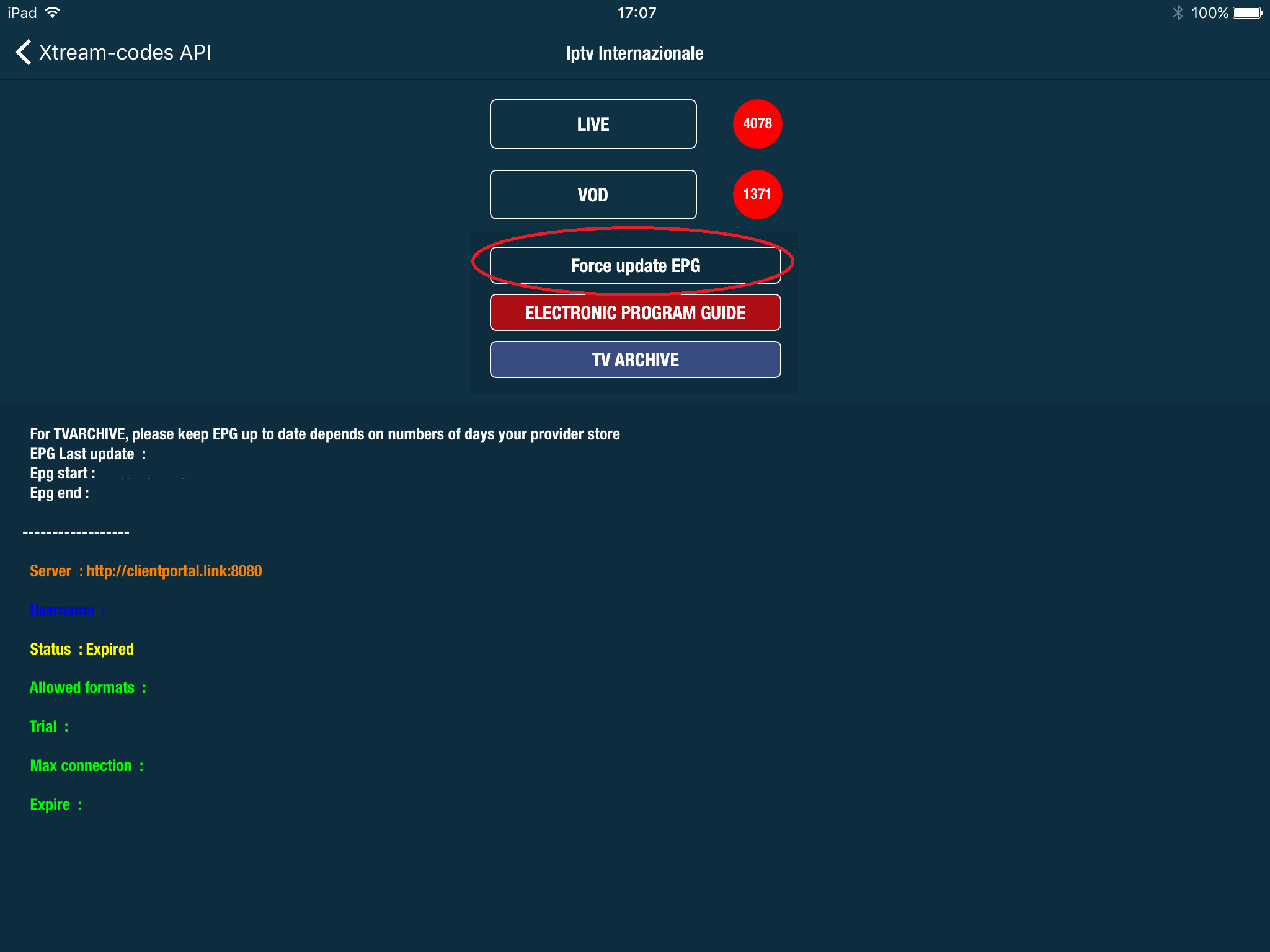

3. Go to Xtream Codes API

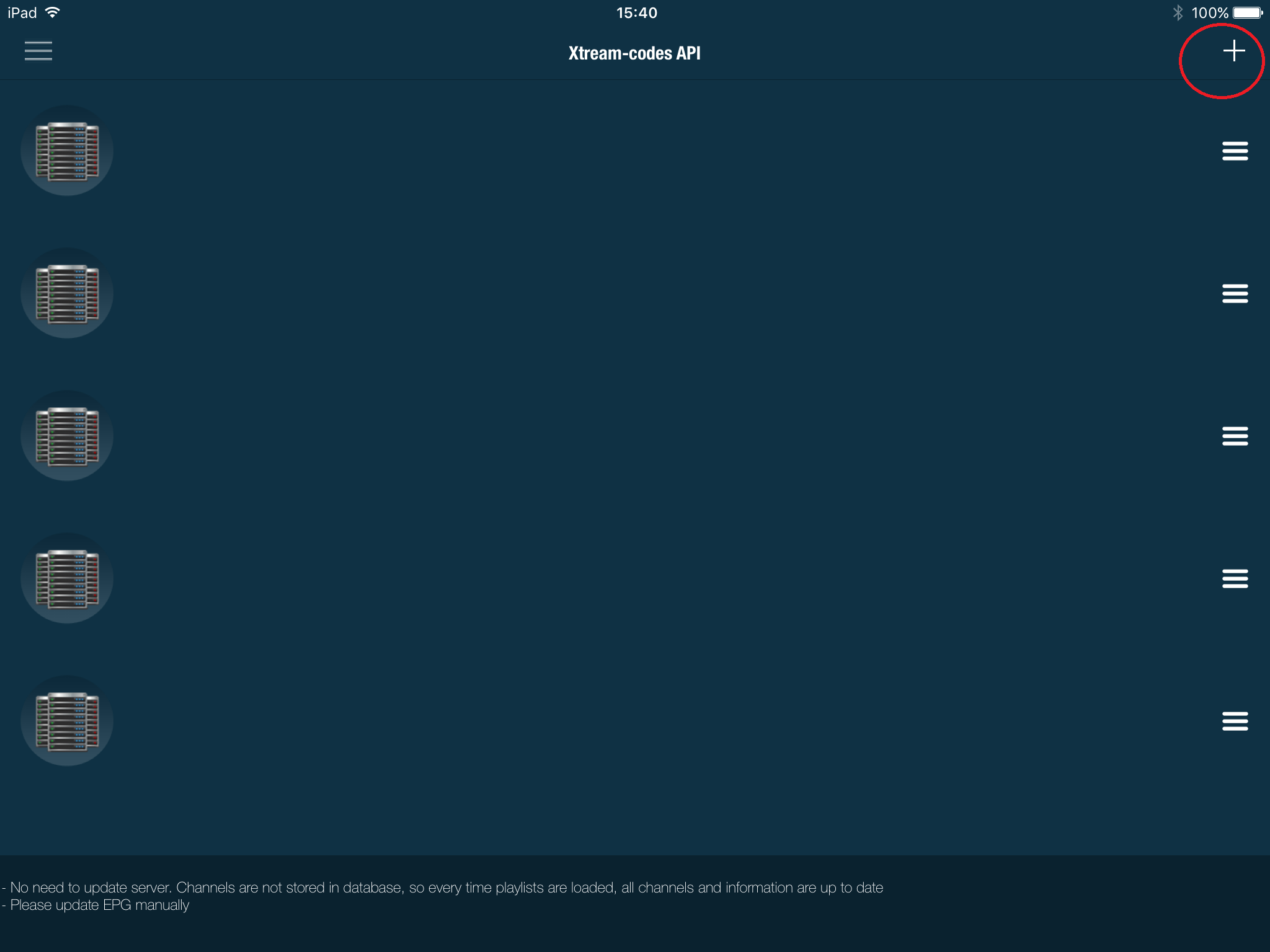
4. Click the + in top right
5: Now you need to fill in the entries as instructed below:
Playlist name: You can place any name.
Server name: Here you must apply the server name provided by your IPTV distributor.
Username: Enter the username provided by your IPTV distributor.
Password: Enter the password provided by your IPTV distributor.
Where to find the username, password, and server name?
You can find all these mentioned details inside your M3U URL.
8. Then select add

9. Click on force EPG to update